Ready to learn how to use CSP on your iPad? |
|
Here's everything you need to know: from the interface and tools to brushes, layers, and even turning your sketches into finished digital art! |
|
Here's everything you need to know: from the interface and tools to brushes, layers, and even turning your sketches into finished digital art! |
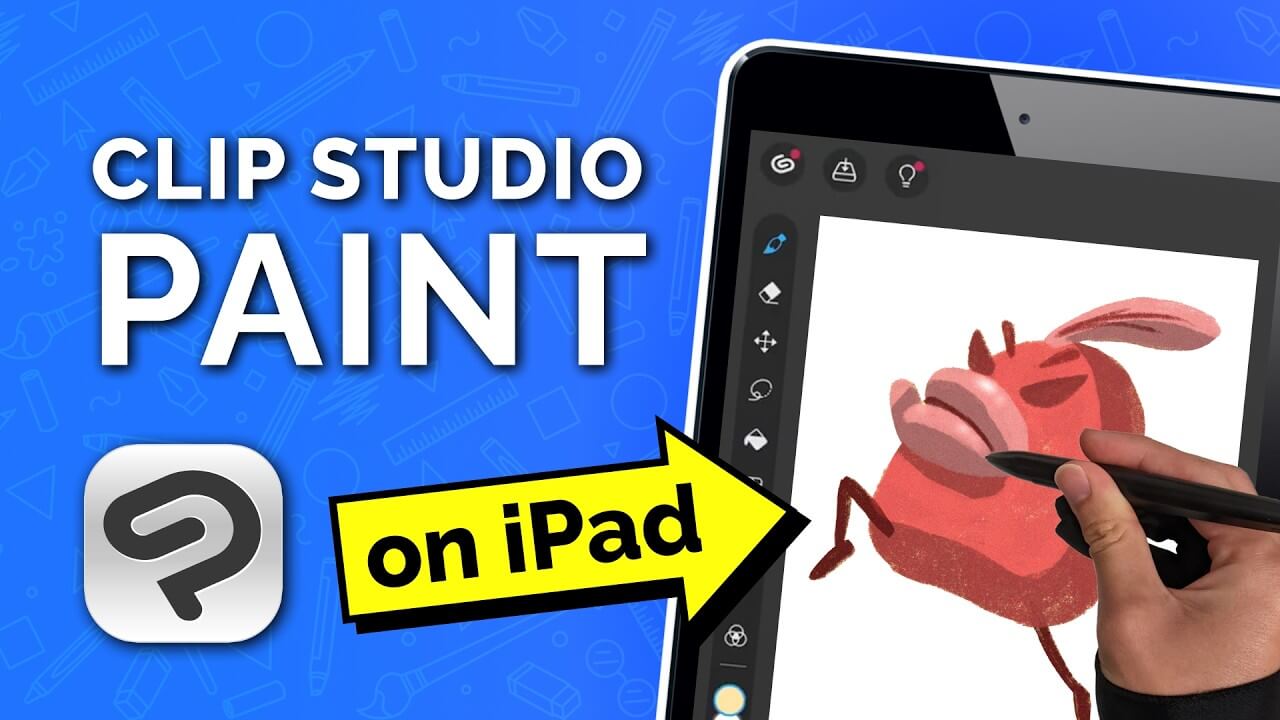 |
How to Use Clip Studio Paint on iPad |
Full Beginner Tutorial (Step-by-Step) |
Clip Studio Paint on iPad - Beginner Tutorial |
|
📱 Whether you're brand new to digital art or switching over from Procreate,
this video tutorial covers how to: |
|
📱 Whether you're brand new to digital art or switching over from Procreate, this video tutorial covers how to: |
|
✅ Use Simple Mode vs Studio Mode |
|
✅ Set up your canvas and layers |
|
✅ Use the best beginner-friendly brushes |
|
✅ Master gestures (undo, redo, colour pick) |
|
✅ Use clipping masks (sketch, colour, shade) |
|
✅ Use the Liquify tool for creative fixes |
|
✅ Export and save your work like a pro |
| Watch Tutorial |
| Clip Studio Paint Playlist |
|
Not an iPad user? Browse our playlist full of CSP
tutorials based on the desktop version. |
|
Not an iPad user? Browse our playlist full of CSP tutorials based on the desktop version. |
|
|
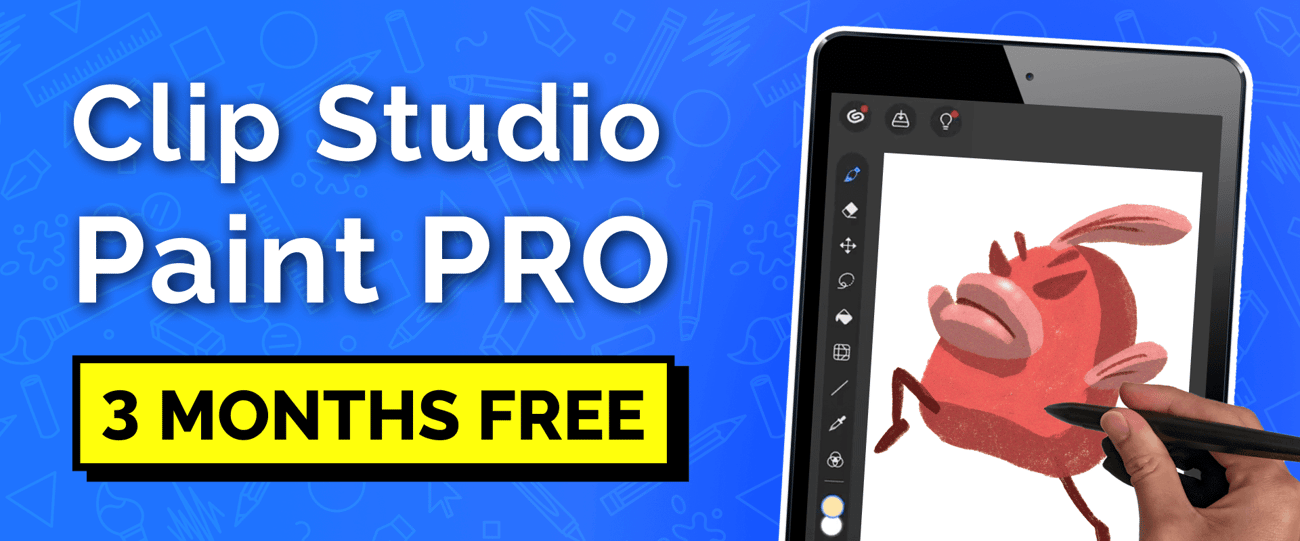
🎁 Get CSP PRO — Free for 3 Months! |
 |
|
Popular with both beginner and pro artists, Clip Studio Paint PRO
is a powerful app made for illustration, comics, and animation. |
|
Popular with both beginner and pro artists, Clip Studio Paint PRO is a powerful app made for illustration, comics, and animation. |
| Claim Your 3 Months |
|
A limited-time offer for Winged Canvas viewers, while supplies last.
This offer is not a trial. You are eligible even if you have previously redeemed a trial version. |
|
A limited-time offer for Winged Canvas viewers, while supplies last. This offer is not a trial. You are eligible even if you have previously redeemed a trial version. |
|
|